Local marketing
Traditional offline marketing analytics are broken. Here is a guide to fix that
Many print campaigns still rely on outdated tracking setups. A simpler guide to measuring leaflets and flyers with batch logs, phone tagging, and clear KPIs.
- Author
- flyerfly team
- Published
- Reading time
- 4 min read
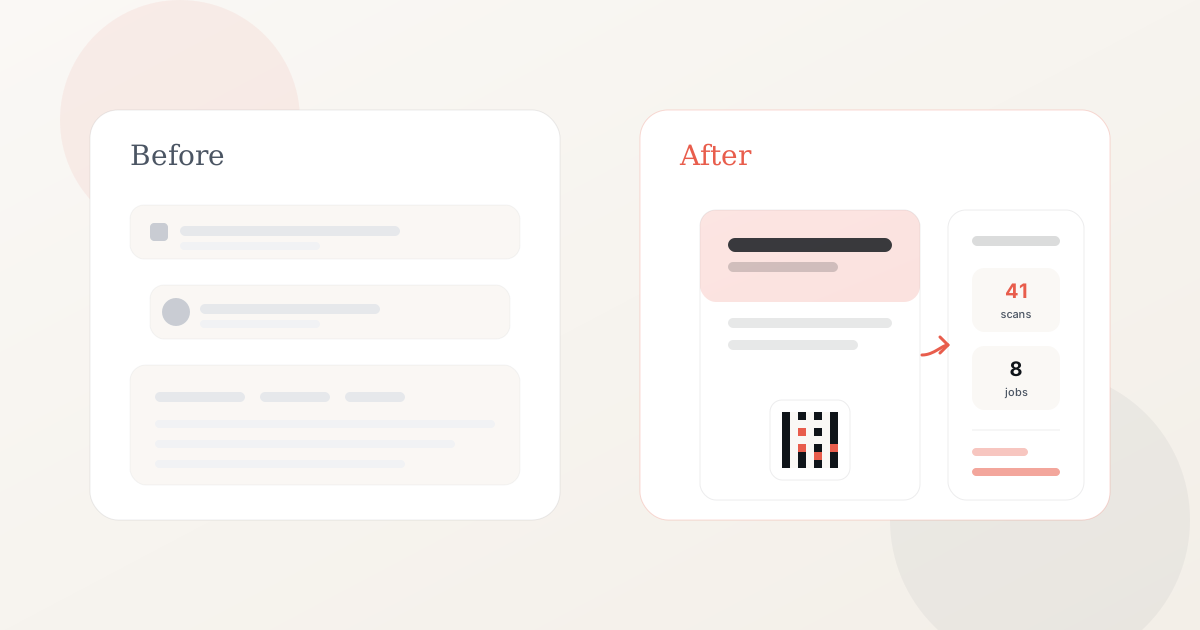
Print still works for local reach. Targeted direct mail often gets a solid response rate compared with many digital ads. The problem for many businesses is how they track results, not whether print works.
Too many print campaigns still run on fragmented tracking: custom URLs nobody types, extra phone lines, coupon logs that staff forget to update, and website charts that cannot tie back to a specific drop. The result is spend without a clear read on what worked.
This guide is a simpler way to measure offline marketing, for owners who run leaflet and flyer campaigns without a marketing team.
Establish clear goals for each print run
Start by defining what success means for that batch. Lead generation, bookings, walk-in traffic, and brand awareness all use slightly different KPIs.
Write the goal on the batch row before print ships. Examples:
- Lead generation: tagged calls, form fills, and walk-ins.
- Bookings: jobs or appointments tied to the batch.
- Awareness: verbal mentions and branded search notes.
Put one clear next step on the print that matches your goal, such as call this number or use this offer code. One action per leaflet is easier to count.
Replace scattered tools with one batch record
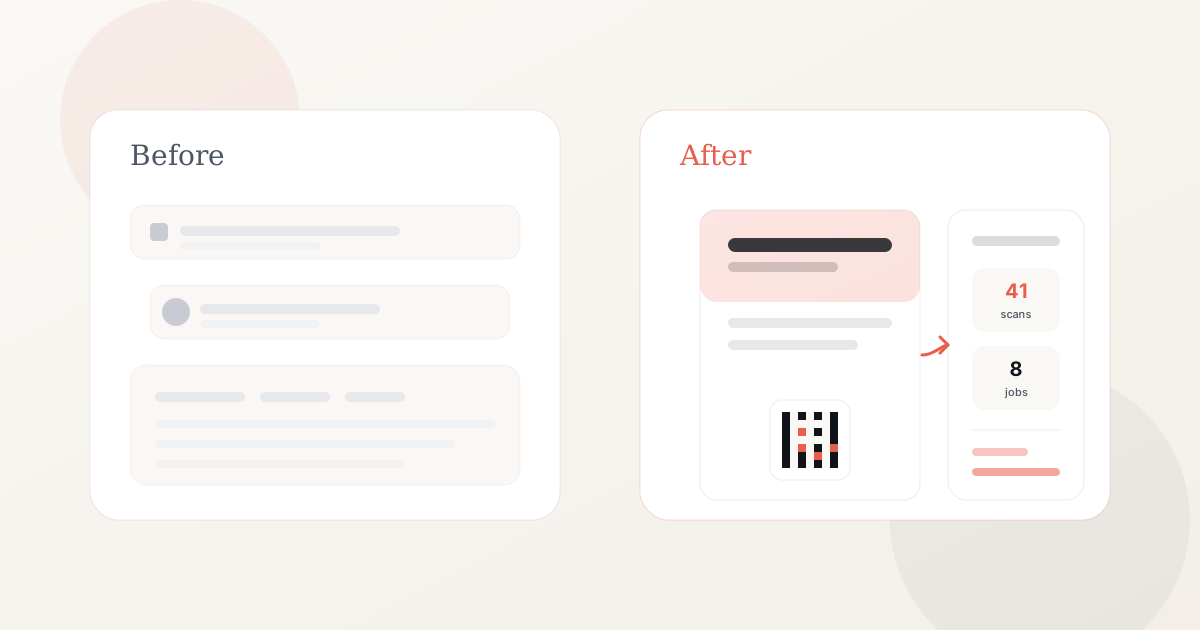
Instead of maintaining separate systems for URLs, phone vendors, and ad-hoc notes, use one record per batch:
- Batch name, area, quantity, drop date, and cost.
- Calls and walk-ins tagged to that batch.
- Jobs or orders linked to the run.
- Promo code redemptions, if you use codes.
- Short notes on weather, holidays, or staff changes.
Four numbers in a spreadsheet you actually update each week is more useful than a dashboard you ignore.
Tag phone calls and walk-ins
Keep your usual business phone number on the leaflet. When someone calls or visits, ask how they heard about you and note the batch name.
Tell staff when a drop is going out so they ask how the customer heard about you on every call that fortnight. That one habit fixes most broken print tracking.
Use promo codes as a reliable signal
Offer codes help when customers call or visit in person. Print a short unique code, train staff to record it, and store redemptions in the batch row.
Codes work well when the owner answers the phone or the till is busy. They do not require any change to how customers already interact with your business.
Simplify landing pages and offers
You do not need a new website section for every idea. You need a stable mobile page template where you swap headline, price, and imagery per batch.
Dedicated pages usually convert better than your homepage, and you can count visits per batch when you want online traffic logged alongside calls.
Add a scannable link when you need online tracking
A QR code is the square barcode people scan with their phone camera. If you want to count visits to your offer page from the print, add a tracked link per batch. Each link records visits for that run before opening your page.
Best practices:
- One tracked link per batch.
- Print large enough to scan easily.
- Landing page headline matches the print.
- Test a proof on two phones before the full run.
This step is optional. Phone tagging and promo codes cover most local campaigns. flyerfly can add a tracked link and landing page per batch when you want website visits counted from the print or a mobile booking path on the leaflet.
Review and improve on a fixed schedule
Analyze batch data at day seven and day fourteen. Compare runs over time instead of judging one drop in isolation.
Questions to ask:
- Did this area respond?
- Did enquiries become booked jobs?
- What did each enquiry cost?
- What should change on the next print file: headline, offer, area, or format?
Split geography when testing two versions. Two areas, two offer codes or tracked links, one deliberate change. See how to A/B test two leaflet offers.
Connect print to your multichannel plan
Offline marketing works best alongside search, reviews, and a solid website. Someone may keep your leaflet on the counter and look you up on Google later that week.
If you log each print batch, you can add up what you spent on leaflets that quarter and what jobs came back from it.
A fixed workflow you can repeat
For each leaflet or flyer run:
- Name the batch and set the goal.
- Print your phone number and a unique offer code.
- Distribute on the planned date.
- Log tagged calls, walk-ins, and jobs through day fourteen.
- Decide reprint, revise, or expand based on the row.
Related reading
FAQ
Many setups spread tracking across custom URLs, extra phone lines, manual spreadsheets, and sitewide traffic charts. If you cannot tie results back to a specific print batch, you do not know what to change on the next run.
Name each batch, tag calls and walk-ins, use a unique offer code on the print, and log everything in one spreadsheet row. Review at day seven and day fourteen.
A focused page that matches the leaflet offer works well when you want online visits counted. Connect it with a scannable link rather than asking people to type a long URL.
Start with cost, tagged enquiries, and booked jobs. Add response rate and cost per job when print runs regularly. See our metrics guide for the full list.
Yes. Use unique codes for walk-ins and phone orders. Log them in the same batch row as your other response data.
Related articles
How to measure the results of print marketing
How to see whether your leaflets and flyers brought calls, enquiries, and booked work. A practical guide to measuring print campaigns for local businesses.
Read articleMetrics for measuring print marketing campaigns
Response rate, conversion rate, cost per response, and more. A guide to the KPIs used to evaluate leaflet and flyer campaigns.
Read articleHow to track print marketing campaign data
Phone logs, promo codes, landing pages, and batch spreadsheets. Practical ways to track and analyze data from leaflet and flyer campaigns.
Read article